AI assistance
Connect an AI provider and S.O.U.R.C.E. puts it to work on your own data: answering questions about your network, drafting detection and remediation jobs, and helping identify devices. It’s optional, and nothing generated runs for real until a person has reviewed it.
Ask which hosts are exposed
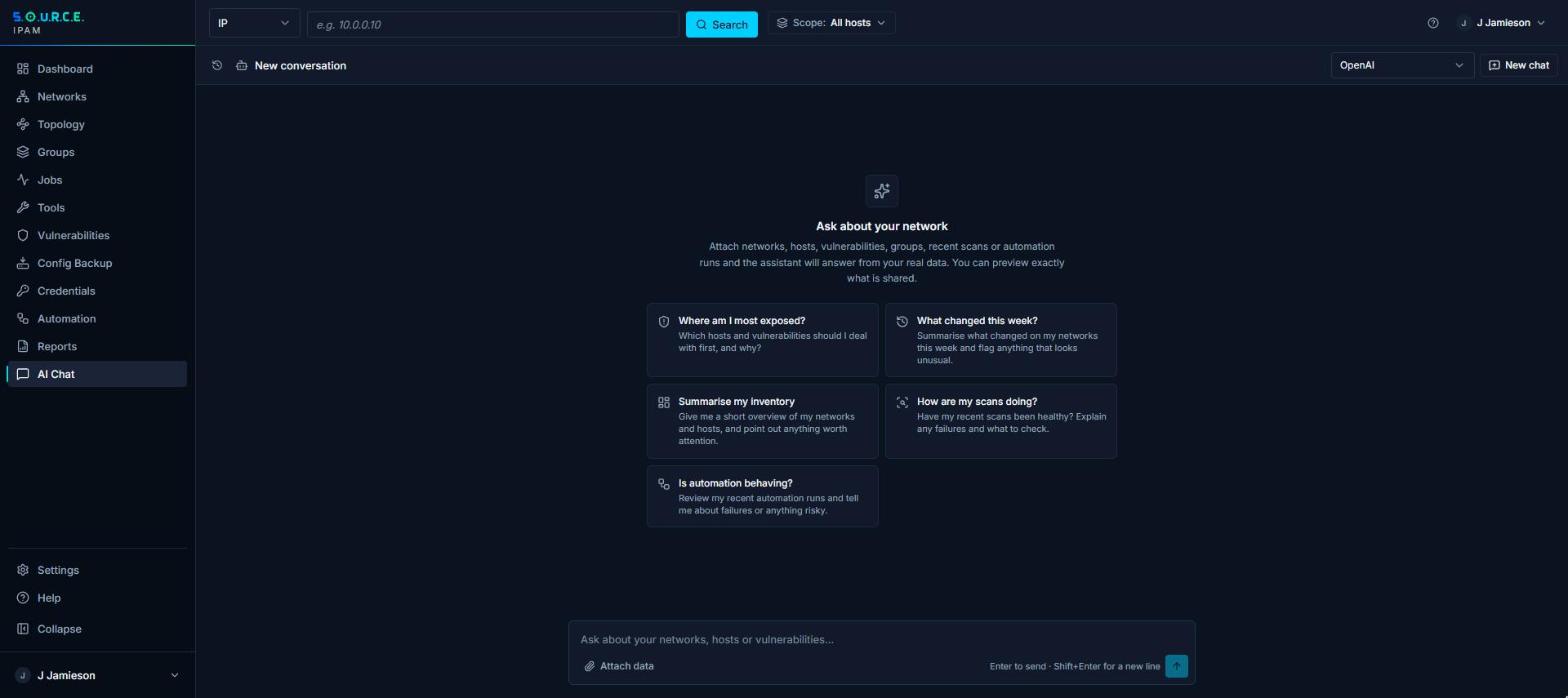
Attach a network to a chat message, and the answer is about your hosts, not hosts in general.
- AttachAdd a network, a host, a CVE, a group or the recent scans to the message. The server builds that context, under your own permissions.
- AskAsk which hosts run an affected version, or what changed on a network this week.
- ActTurn the answer into a remediation: generate a template, review it, and run it with a test first.
What you can do
Chat with context
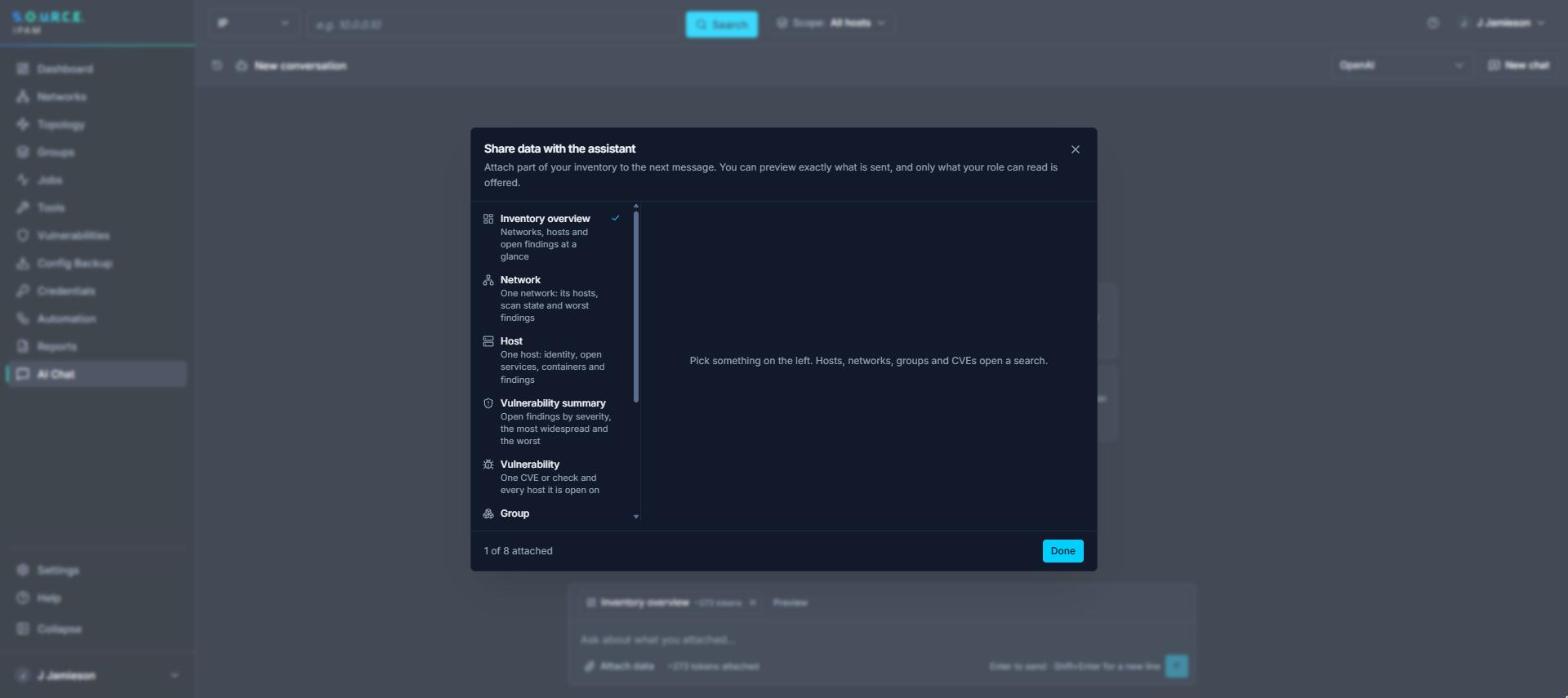
Attach networks, hosts, CVEs, groups or recent scans to a message. The server turns each into text for the model, and it can only attach what you are allowed to see.
Detection checks for new CVEs
After an NVD sync, draft identification and detection steps for new CVEs above a severity you choose, within a cap per run.
Remediation templates
For a finding with no fix yet, find a matching template or generate one in the workflow format. A template that does not validate is never saved, and a generated one is reviewed before any non-test run.
Help with identification
When the usual signals disagree about what a device is, the model breaks the tie, choosing only from the device types the app knows.
Backups for unknown devices
For a device no recipe covers, the model suggests commands to try. Every suggestion is checked against an allow-list, so a prompt injected through a banner or hostname cannot change the device.
Your choice of model
Use a local model through Ollama, or OpenAI or Claude. With no provider configured, every AI feature stays out of the way.
See what’s really on your network.
S.O.U.R.C.E. runs on one Linux host. Tell us about your networks and we’ll send what you need to install it.