

Self-hosted network visibility
From IP address
to switch port.
Discover the devices on your networks and trace how they connect. Keep addresses, configurations, and security findings in one workspace you host.
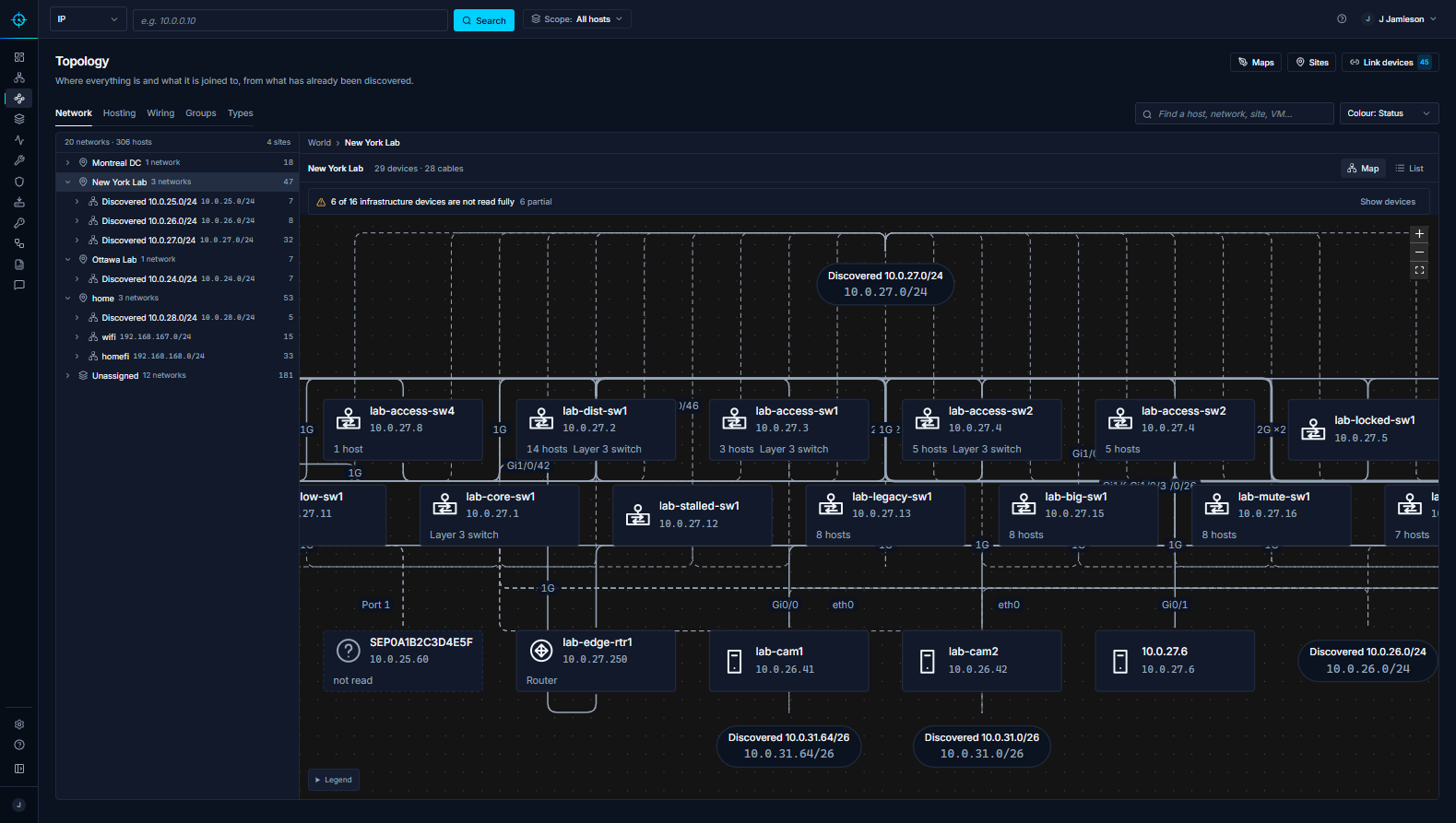
Explore the features
Every record says what was seen, by which source and when, so you can trust it or check it.
Discover
- Device discovery Find devices with active and passive discovery. See the evidence behind each identification.
- Safe scanning Use passive discovery on fragile networks and choose scan profiles for the rest.
- Remote collectors Discover branch and routed subnets with outbound-only collectors and scoped permissions.
Map and manage
- Wiring and topology Trace a device from its site and subnet to the switch port it’s plugged into.
- IP address management Plan subnets, find free addresses, and keep utilization current with discovery data.
- Configuration history Schedule device backups, compare revisions line by line, and restore with confirmation.
Secure and automate
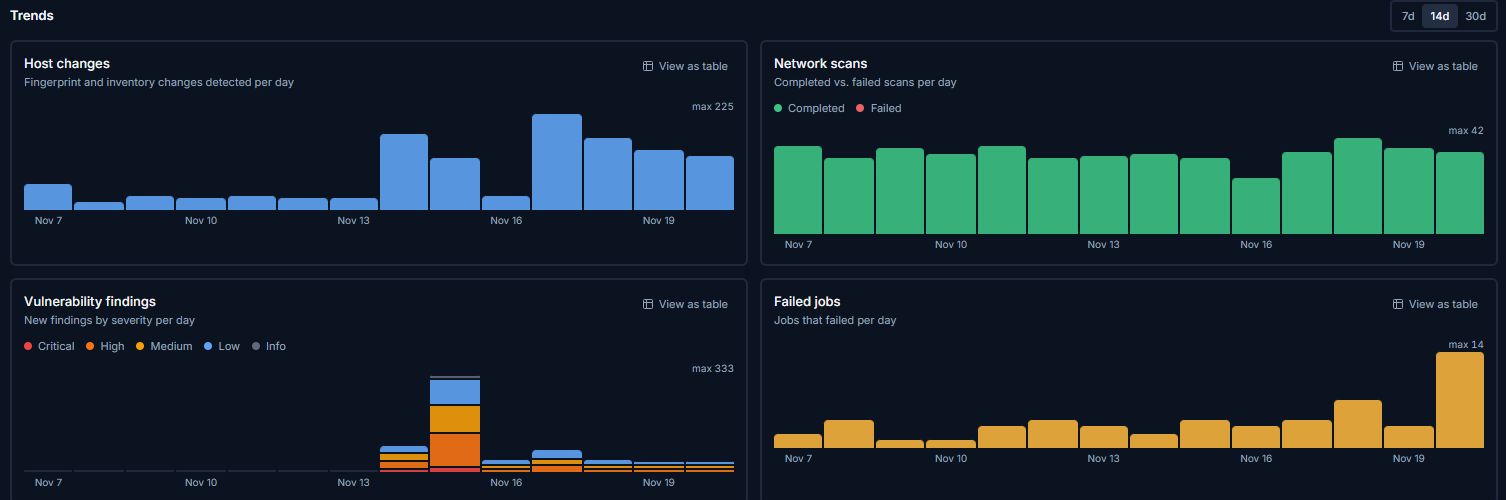
- Security findings Match vulnerabilities to NVD, prioritize by CVSS and EPSS, and verify fixes with a rescan.
- Job automation Build branching workflows, preview write steps, and schedule jobs across device groups.
- AI assistance Ask about your network and review suggested device identifications or remediation jobs.
Product preview
Follow the data.
Step through a sample network to see what S.O.U.R.C.E. can tell you about address usage, discovered devices, switch ports and configuration changes.
Address utilization
Review how much of each subnet’s usable address space is occupied.
10.10.20.0/2410.10.10.0/2610.10.30.0/24Device inventory
See how a device was identified and how much confidence to place in the result.
| Device | Evidence | Confidence |
|---|---|---|
| core-switch-01 | SNMP | High |
| office-printer-02 | mDNS, MAC vendor | High |
| plant-plc-04 | Passive capture | Medium |
Where devices are plugged in
Read from each switch’s MAC table and LLDP/CDP neighbours, not typed in.
| Device | Switch | Port | VLAN |
|---|---|---|---|
| office-printer-02 | access-sw-03 | Gi1/0/14 | 20 |
| office-pc-117 | access-sw-03 | Gi1/0/22 | 20 |
| access-sw-03 | core-switch-01 | Te1/1/2 | Trunk |
Configuration history
Review versioned backups for a supported device and identify when its configuration changed.
| Device | Version | Result |
|---|---|---|
| core-switch-01 | v3 | Change captured |
| core-switch-01 | v2 | Change captured |
| core-switch-01 | v1 | Initial capture |
Deployment
On your infrastructure.
Run S.O.U.R.C.E. on one Linux host, and add collectors where your server cannot reach.
- Central workspace
- Networks, devices, wiring, findings and backup history in one browser-based interface backed by PostgreSQL.
- Outbound-only collectors
- Collectors check in with your instance over TLS and send encrypted observations. They never listen for inbound connections.
- Credentials kept safe
- Device passwords, SNMP communities and API keys are encrypted at rest. SSH host keys are pinned on first use and checked before any password is sent.
- No telemetry
- Nothing reports home. The only outside connections are the vulnerability feeds you turn on and an AI provider, if you configure one.
- Operator access
- Local accounts or OAuth/OIDC sign-in, role-based permissions, and an audit log.
- Backups and rollback
- Every update backs up the database first and returns to the last good version on its own if the new one fails its health check.
Install
Running in minutes.
One installer sets up the application and its database with Docker, then a browser wizard finishes the setup.
-
Prepare a host
Debian 12 or 13, or Ubuntu 24.04, on amd64, with Docker Engine and the Compose v2 plugin and at least 8 GiB of free disk.
-
Run the installer
From the release bundle we send you. It generates the secrets, saves a recovery file, starts the stack, and prints the address and a one-time setup code.
sudo bash install.sh --yes -
Finish in the browser
Enter the setup code, create your administrator, and set the address your collectors should reach. Then add a network and let the scan advisor pick its options.
See what’s really on your network.
S.O.U.R.C.E. runs on one Linux host. Tell us about your networks and we’ll send what you need to install it.